You’ve got a YouTube channel to run, not a film budget. The AI video tools generating all the buzz — Veo 3, Runway Gen-4, Sora — cost anywhere from $8 to $250 a month, and their pricing pages hide the real per-clip cost until after you subscribe.
Here’s the direct version: Kling AI (from $6.60/mo annual) is the best starting point for most YouTubers who need b-roll or short clips in volume. Runway Gen-4 ($28/mo Pro, annual) earns its price if you edit cinematically and want frame-level control — but not on the Standard plan, for reasons explained below. HeyGen ($24/mo Creator, annual) is the clear pick for avatar-based and multilingual channels. Google Veo 3.1 sets the quality benchmark — but consumer access to the full model requires $249.99/month. And Sora, still appearing on half the “best of 2026” lists published this year, had its consumer subscription access removed on April 26, 2026. The API is sunsetting in September. Skip it for now.
Six tools are covered here. Each one gets a real use case, the honest limitation, and the monthly cost once you actually run the numbers — not the headline price.
Some links in this article are affiliate links. They don’t change what you pay, and every tool is chosen on merit — including the parts where it falls short.
Six AI video generators for YouTube creators — compared at a glance
Prices below reflect plans as of mid-2026. This space changes fast — check each tool’s official pricing page before subscribing, since plan names, credit allocations, and rates shift without much notice.
| Tool | Best for | Watch out for | Price (at time of writing) |
|---|---|---|---|
| Google Veo 3.1 | Cinematic quality + native audio sync | Full Veo 3 access requires Google AI Ultra at $249.99/mo; AI Pro ($19.99/mo) tier access to Veo 3 needs official page verification | From $19.99/mo (AI Pro); see official page for Veo 3 model access |
| Runway Gen-4 | Frame-level editing control | Gen-4.5 costs 25 credits/sec — Standard plan ($12/mo) gives ~25 seconds of Gen-4.5 per month total | From $12/mo (Standard, annual); Pro $28/mo (annual) |
| Kling AI | High clip volume on a budget | Free tier: no commercial use rights. Ultra tier jumped 41% in 6 months — intro pricing is not permanent | From $6.60/mo (Standard, annual); monthly is $6.99 intro → $8.80 renewal |
| HeyGen | Avatar video + multilingual dubbing | Creator plan’s 200 credits = only 10 minutes of Avatar IV video per month | From $24/mo (Creator, annual); Pro $79/mo (annual) |
| Pika | YouTube Shorts effects and visual gags | Free tier is 480p with watermarks; not built for long-form video | From $8/mo (Standard, annual); free plan available |
| Synthesia | Tutorial and educational channels | Starter plan = 10 min/month cap; unused minutes don’t roll over to the next month | From $18/mo (Starter, annual); Creator $64/mo (annual) |
Google Veo 3.1 — best for cinematic quality and native audio
By documented benchmarks and published reviews across the AI research community, Veo 3.1 is the current quality leader in AI video generation. It generates native 4K output, handles synchronized audio — ambient sound, dialogue, atmospheric effects — as part of the same generation step rather than a separate workflow. For a YouTube channel that depends on high-production b-roll (travel, nature, cinematic montages), the quality ceiling is higher here than anywhere else on this list.
The access structure is the obstacle. Full Veo 3 through Google’s Flow interface requires Google AI Ultra at $249.99/month — a price point built for teams and agencies, not solo creators. Google AI Pro at $19.99/month does include AI credits usable for video generation in Flow and Whisk, but which Veo model tier those credits unlock is worth verifying directly on Google’s current AI plans page before subscribing, since access tiers and credit allocations have shifted. For developers building applications, Veo 3.1 Lite (launched March 31, 2026 via the Gemini API and Vertex AI) offers API access at under 50% of Veo 3 Fast pricing — but that’s a developer route, not a creator dashboard.
For most independent YouTube creators, the consumer price puts this in the “bookmark for later” category. Worth revisiting when Google brings Veo 3 access down to the Pro tier.
Runway Gen-4 — best for editors who want frame-level control
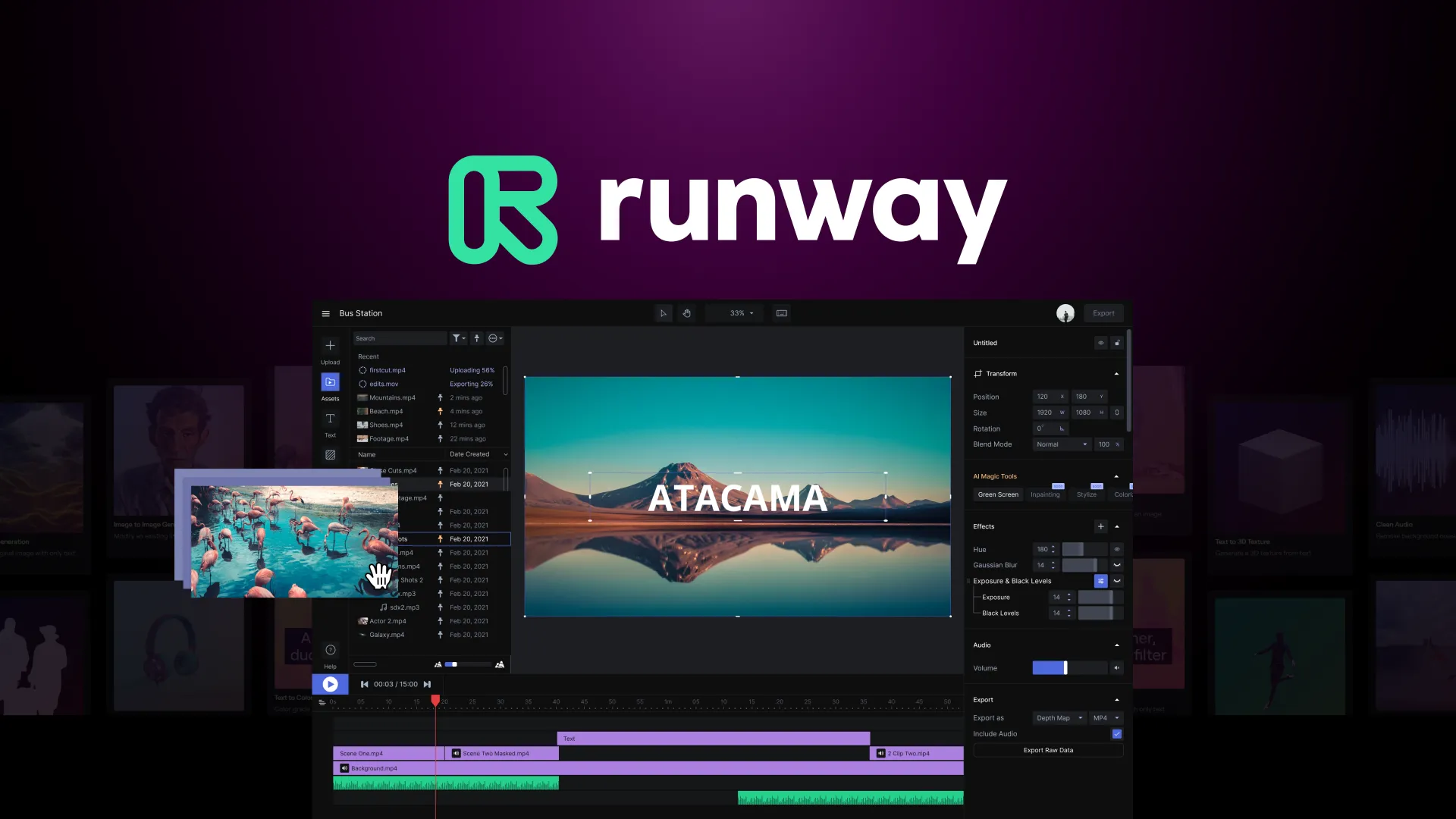
Runway is built differently from the others. Gen-4 gives you motion brushes, camera controls, and inpainting alongside text-to-video generation — tools that let you specify exactly what moves in a frame, how far the camera tracks, what gets removed or replaced. If you’re the kind of editor who has opinions about the camera’s pan speed, this is your tool. Nobody else in this price range gives you that level of directorial control.
Here’s the number that matters before you pick a plan: Gen-4.5 — Runway’s flagship quality model — costs 25 credits per second. The Standard plan ($12/month, annual) gives 625 credits per month. That’s exactly 25 seconds of Gen-4.5 footage. One 5-second clip per week. If you’re generating more than that, jump straight to the Pro plan ($28/month, annual, 2,250 credits). Pro works out to roughly 90 seconds of Gen-4.5 per month — about four 20-second clips. Still not enormous, but usable for a creator supplementing real footage with AI b-roll.
Runway’s audio tools and structured voiceover features lean English. Not ideal if your channel publishes in Korean, Spanish, or another language. For that layer, pair it with a dedicated voice tool — see our guide on AI voice tools for YouTube creators. Compare Runway Gen-4 plans.
Kling AI — best for creators who publish more than twice a week
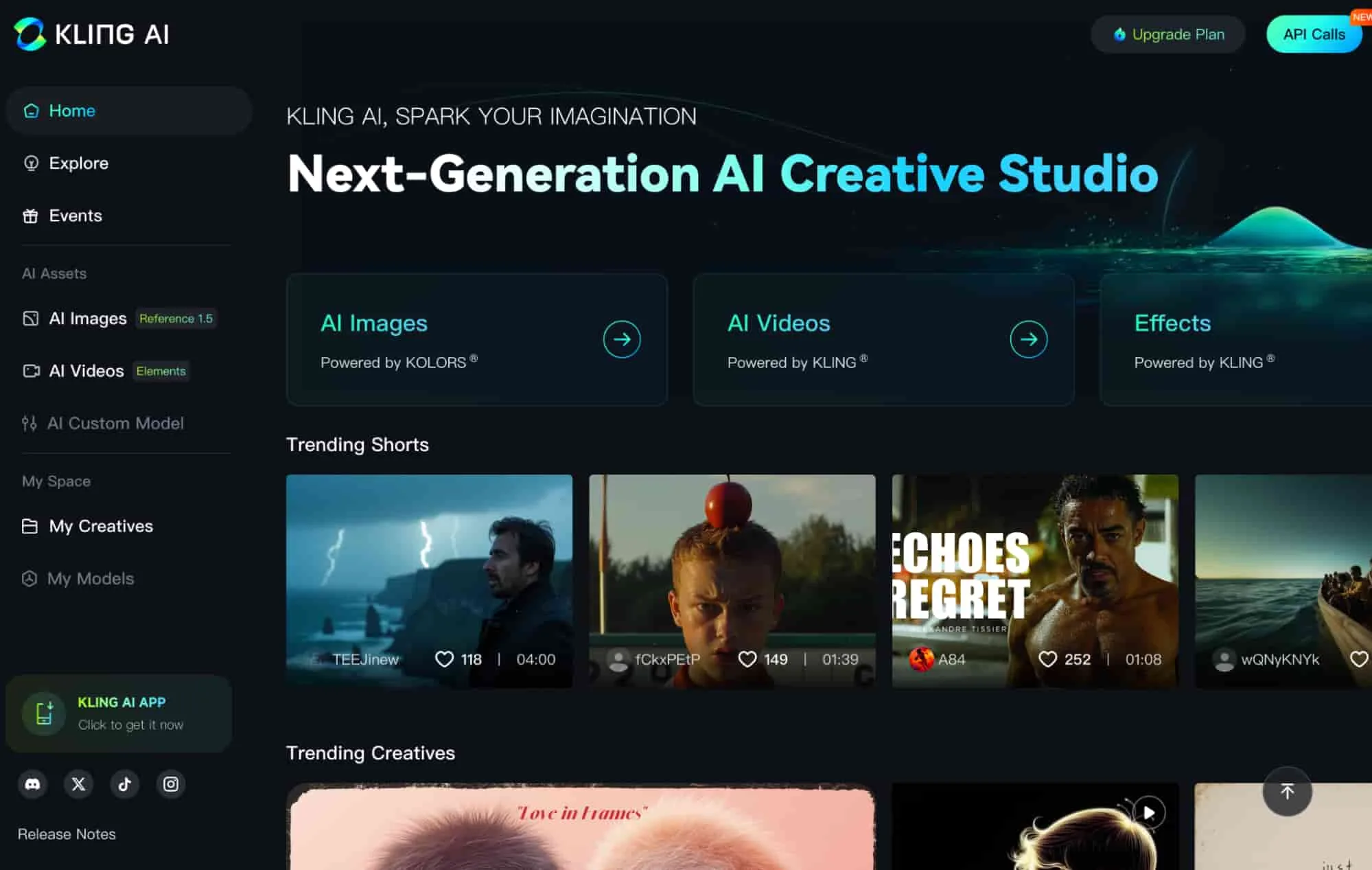
Kling’s case is simple: you get more clips per dollar than anything else on this list. The Standard plan at $6.60/month (annual billing) — or $6.99 intro monthly, then $8.80 on renewal — gives enough credits to generate solid b-roll at the pace a regular publishing schedule demands. Its VIDEO 3.0 model handles landscapes, product shots, atmospheric scenes, and abstract b-roll well at 1080p. The output won’t pass for real camera footage, but for cutaway clips and transitions, it works.
Two things to get straight before signing up. First: the free plan gives 66 daily credits that expire after 24 hours. Useful for testing. Not usable for your channel — Kling’s free tier carries no commercial use rights, and monetized YouTube uploads made with free-tier footage technically violate the terms of service. Second: Kling has been adjusting its higher-tier pricing quickly. The Ultra tier went from $128/month in August 2025 to $180/month by January 2026 — a 41% increase in six months. The Standard tier has been more stable, but treat promotional intro rates as temporary.
Kling doesn’t offer deep editing tools. Think of it as a prompt-in, clip-out factory. If that’s what your workflow needs, it’s hard to beat at this price. See current Kling AI plans and credit rates.
HeyGen — best for avatar-based and multilingual YouTube channels
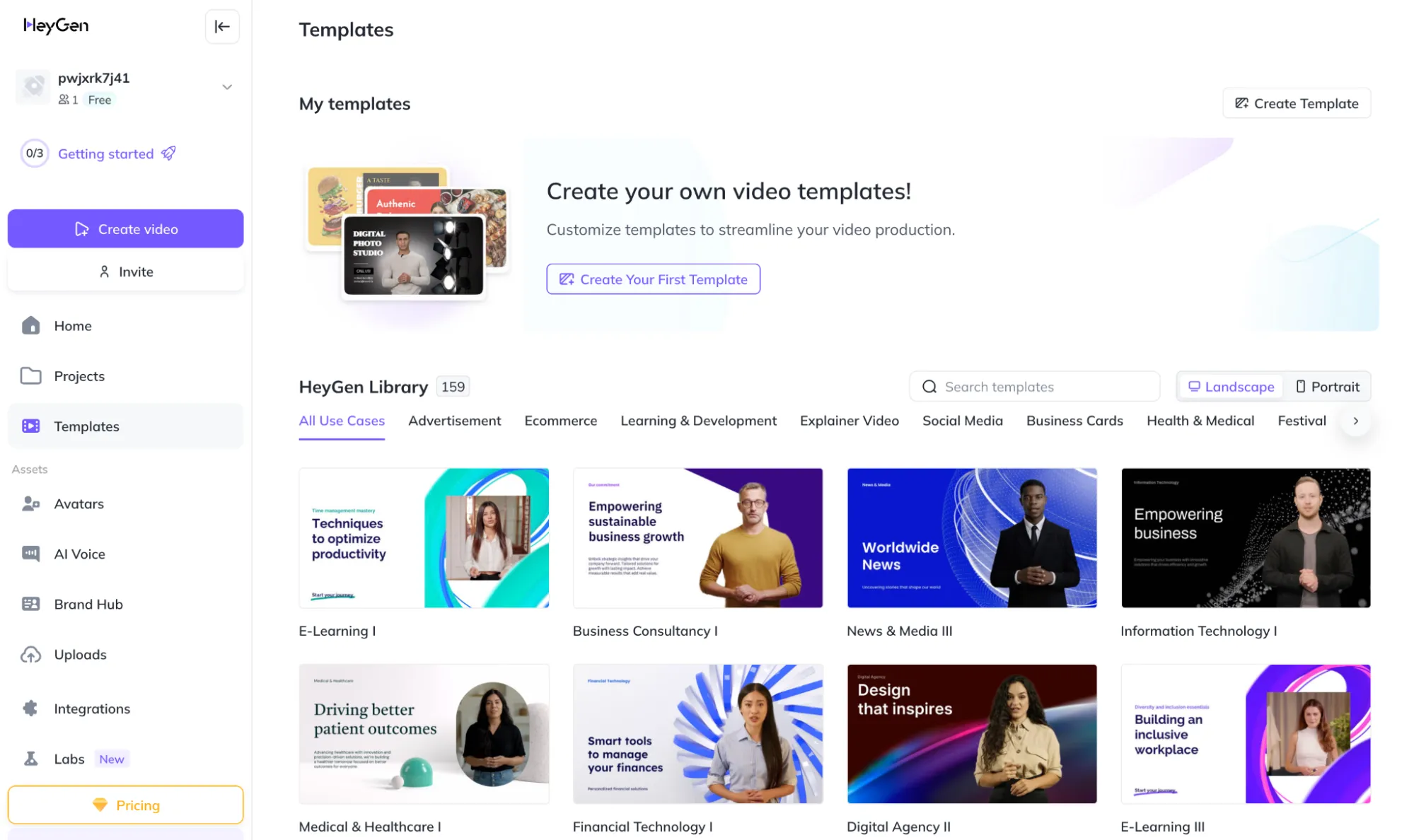
HeyGen occupies a specific slot: AI presenter video, either via a custom avatar built from your own likeness or a scripted AI presenter for a faceless channel. Its Video Translation feature is the real differentiator — upload a video in English and receive a version dubbed into Korean, Spanish, French, or dozens of other languages with synced lip movement. That workflow previously required a professional dubbing studio. Now it’s a subscription line item.
Do the credit math before picking a plan. The Creator plan ($29/month, or $24/month annual) includes 200 generative credits. Avatar IV — HeyGen’s most realistic avatar tier — costs 20 credits per minute. That’s 10 minutes of Avatar IV video per month on Creator. A creator posting weekly 3-minute videos fits. Weekly 10-minute videos don’t. When you exceed included credits, extra packs cost $15 for 300 credits — roughly $5 per extra Avatar IV minute on top of the base subscription. The Pro plan ($99/month, or $79/month annual) makes more sense for higher-volume channels without the per-clip anxiety.
If your channel publishes in multiple languages, check HeyGen’s Video Translation feature specifically — it applies to existing recorded footage, not just AI-generated clips, which means you can use it on content you’ve already filmed. See HeyGen’s plans. For a broader comparison, see our roundup of AI avatar tools for faceless YouTube channels.
Pika — best for YouTube Shorts effects
Pika built its reputation on effects that feel alive in ways other tools don’t attempt. Pikaffects (melt, explode, squish physics on any object), Pikaframes (interpolate between a start and end image to animate the transition), Pikaswaps (swap out objects mid-clip), and Pikaformance (audio-driven lip sync on still images) make it the most effects-forward toolkit on this list. That makes it a natural fit for YouTube Shorts, where an unexpected visual in the first two seconds prevents the swipe.
The Standard plan at $8/month (annual, 700 credits) is the lowest-cost paid commercial option here. The free plan gives 80 credits and 480p output — enough to test the effects, not enough to publish watermark-free monetized content. Pika isn’t designed for long-form. Generating a coherent five-minute video from a text prompt isn’t what the tool does; that’s not a knock, it’s the design. For short clips, punchy transitions, and Shorts-specific effects under 60 seconds, the price-to-output ratio is solid. Try Pika Standard.
Synthesia — best for educational and tutorial channels
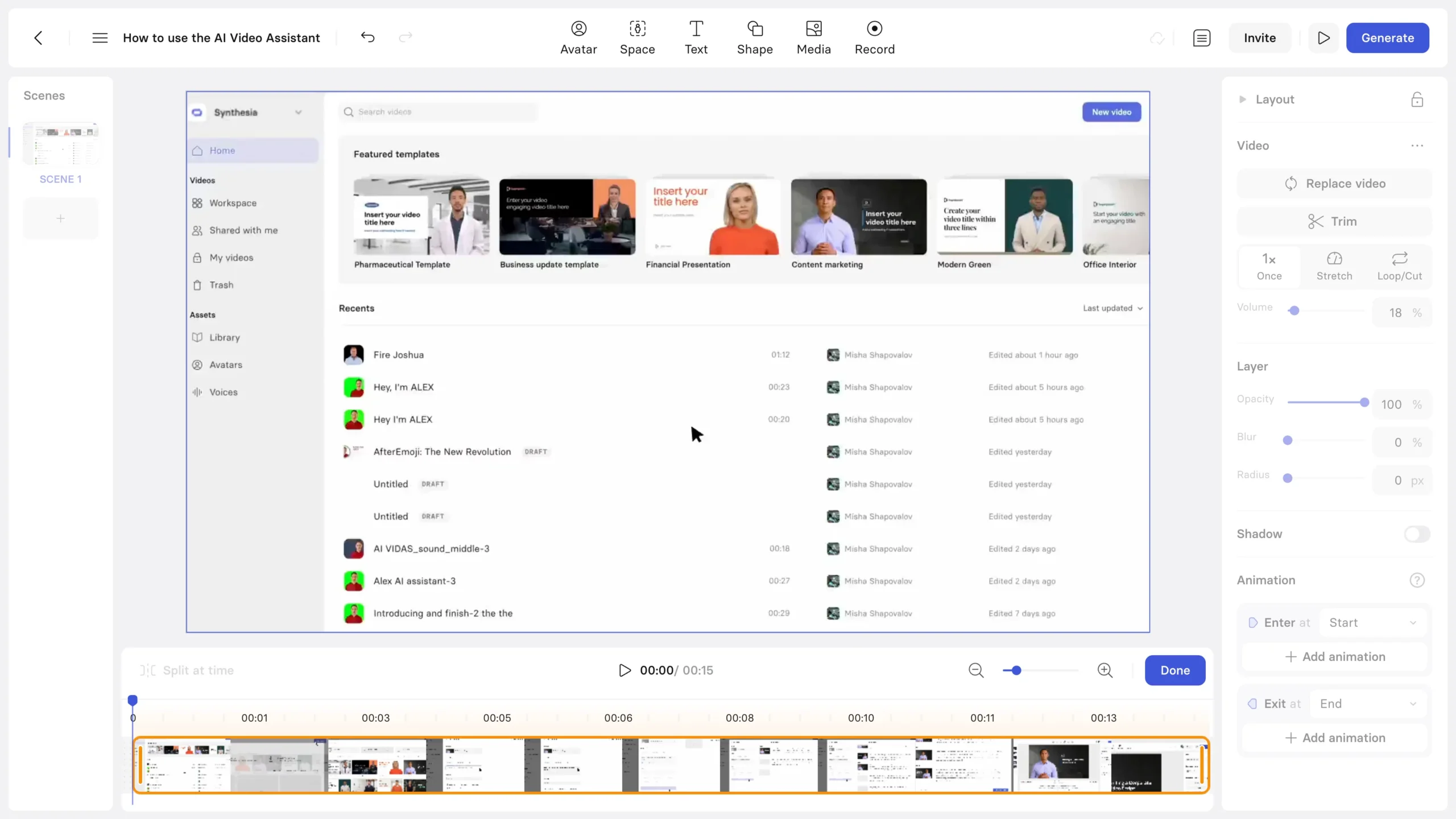
Synthesia targets a specific output format: polished, talking-head explainer video with professional-quality avatars. The avatar quality — lifelike presentation, clean lip sync, professional framing — is the most consistently polished of any tool on this list for on-camera presenter style. If you run a tutorial channel with a “presenter plus screen recording” format (coding breakdowns, software demos, how-to walkthroughs), the output looks clean enough to publish without apology.
The hard constraint: the Starter plan ($29/month, or $18/month annual) gives 10 minutes of video per month. Unused minutes don’t roll over. A weekly channel publishing 5-minute tutorials would cap out at two videos before paying for overages. The Creator plan ($89/month, or $64/month annual) expands that to 30 minutes per month, which covers a weekly 5-7 minute format. The jump from $18 to $64 monthly is steep for a solo creator.
Synthesia supports 140+ languages in text-to-speech, but avatar scripting quality varies significantly by language. If your channel isn’t in English, test your specific target language on the free plan (10 minutes per month, watermarked) before committing to a paid tier. Compare Synthesia plans.
The one tool appearing on every list that you shouldn’t buy right now
OpenAI Sora shows up in most “best AI video generators 2026” roundups. Here’s the current situation, because most of those articles are out of date.
Consumer subscription access to Sora was removed on April 26, 2026, according to multiple published reports. It’s no longer available through ChatGPT Plus or Pro in the way articles written before that date describe. The Sora 2 API is still active for developers, but OpenAI has announced it will sunset those endpoints on September 24, 2026 — after which no new requests will be accepted. Whatever product it becomes after that, the Sora that appeared in 2024 and early 2025 reviews no longer exists in the same form for the average creator.
The six tools above are operating, priced, and available today. If Sora resurfaces in a new form later in 2026, it’ll be worth evaluating fresh.
Frequently asked questions
Q. Can I use AI-generated video on monetized YouTube channels?
Yes, but it depends on the tool and the specific plan tier. Most free plans restrict or outright exclude commercial use — Kling’s free tier is a clear example, explicitly prohibiting it. Paid plans typically include commercial rights, but the terms vary by tool and plan level. To be safe, publish monetized content only using footage generated under a paid plan with documented commercial rights, and confirm the tool’s current license terms on its official page before uploading. Licensing terms in this space are still evolving, so what’s true for one plan level may not apply to another.
Q. Which of these tools has the most usable free plan for testing before paying?
Kling’s free tier (66 daily credits, expiring after 24 hours) gives the most output for testing at a usable quality level — just remember those clips can’t go on a monetized channel. Pika’s free plan (80 monthly credits, 480p, watermarked) is good for evaluating its effects suite. Runway’s free plan gives 125 one-time credits that never renew, which is enough for a quality comparison before committing. Synthesia’s free plan gives 10 minutes of watermarked video per month, useful for testing avatar quality in your target language.
Q. Which tools work well for non-English YouTube channels?
HeyGen is the strongest choice here — its Video Translation feature supports 40+ languages with synced lip-dubbing, and it’s designed specifically for multilingual publishing workflows. Synthesia supports 140+ text-to-speech languages, but avatar quality varies by language, so test your target language on the free plan first. For tools like Runway, Kling, and Pika, video generation itself isn’t language-dependent, but English prompts tend to yield the most reliable results in testing reported by the creator community. If your channel’s primary output is non-English narration or presenter video, HeyGen is the clearest fit.
Which tool fits your channel
If you’re a solo creator publishing two or three times a week and need b-roll or short clips at volume, start with Kling AI on the annual Standard plan. It’s the lowest monthly cost for a commercially usable plan, and the volume of footage you can generate per month is the highest in this price range. If your channel runs on an on-camera presenter format or you publish in multiple languages, HeyGen Creator is the more focused pick — just do the minutes-per-month math against your actual video length before choosing a plan tier. Runway makes sense once you’re already a skilled editor who wants to direct motion and camera behavior, not just generate footage — and if you go Runway, Pro ($28/mo annual) is the right entry point, not Standard.
Every tool here offers a free plan or trial. Generate the actual video type you publish — b-roll clip, avatar explainer, Shorts effect — before paying a monthly fee. What a tool does to a 5-second nature scene tells you nothing about how it handles a 30-second presenter intro.