You’ve got two browser tabs open — ElevenLabs and Murf AI — and a script that needs a voiceover by tomorrow. Both claim to be the best AI voice generator for creators. They’re not solving the same problem.
The direct answer: ElevenLabs produces more realistic voices, gives you self-serve voice cloning from $22/month, and has a REST API that developer teams actually integrate. Murf AI is a full production environment — you write the script, generate the voice, sync audio to slides or video, and export a finished file without switching tabs. The voice quality gap between them is real. The workflow gap is equally real. The differentiator most comparison articles skip: voice cloning on ElevenLabs costs $22/month and requires no sales call. On Murf, it’s Enterprise-only — custom pricing, gated behind a sales conversation. For creators who want to clone their own voice for consistent channel branding, that single fact narrows the choice fast.
Below: what each tool actually costs per minute of finished audio, where each one breaks down, and a clear pick by creator type.
Some links below are affiliate links. They don’t change what you pay, and tools are selected on merit — including the parts where they fall short.
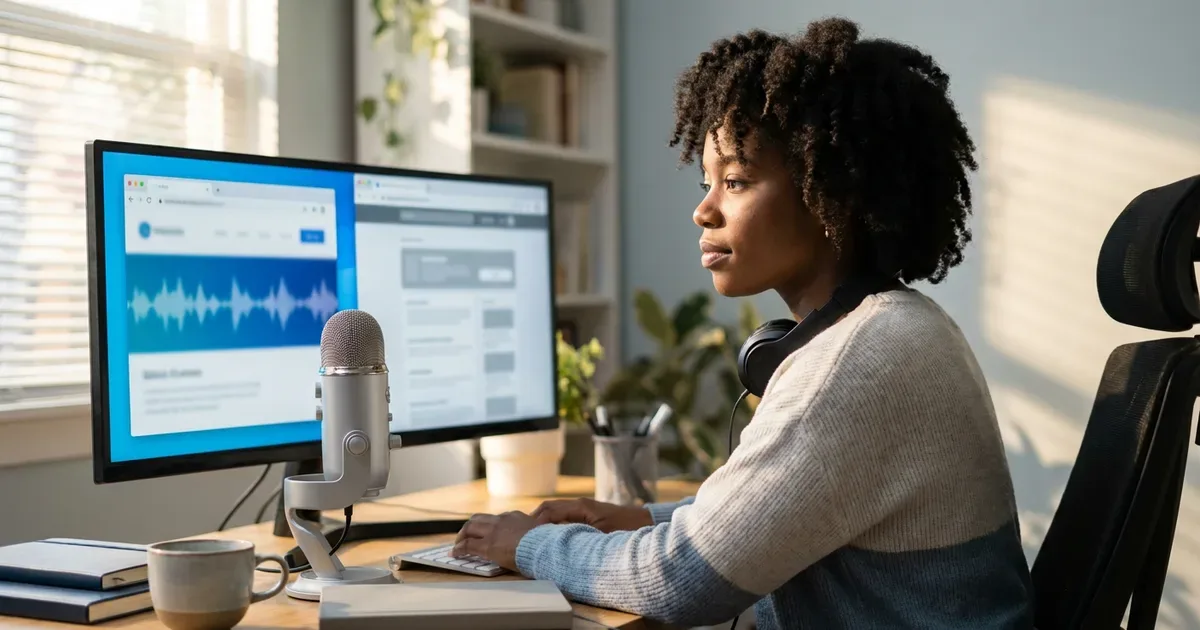
ElevenLabs vs Murf AI — what each tool is actually for
ElevenLabs is voice-first: paste your script, generate audio, take the file into your own editor. Murf is a production studio: write the script, generate the voice, add background music, sync to video or slides, export — all in one tab. Neither is wrong. They serve different creator workflows.
| Tool | Best for | Watch out for | Starting price (at time of writing) |
|---|---|---|---|
| ElevenLabs | Voice realism, self-serve cloning, API integrations, solo creators | No built-in video editor; credit usage varies by model and regenerations | Free; paid from ~$5–6/mo (Starter) — see official page for current rate |
| Murf AI | All-in-one production: script → voice → video, teams and course creators | Voice cloning locked to Enterprise; API not suited for high-throughput or low-latency use | Free; paid from $19/mo annual (Creator) — see official page |
ElevenLabs — best for voice realism, cloning, and audio-first workflows

ElevenLabs is the benchmark other AI voice tools get compared to, and the gap is audible. The Turbo v2.5 model handles emotion, pacing, and natural breath patterns in a way most competitors haven’t matched. In published blind tests, listeners routinely fail to identify ElevenLabs output as AI-generated. For a faceless YouTube channel where audio carries the entire viewer experience, that realism gap directly affects retention.
The workflow for a solo creator is straightforward: paste a 1,500-word script, select a voice, generate audio in under 60 seconds, drag the exported file into Premiere or DaVinci Resolve. There’s no built-in editor — ElevenLabs generates audio and hands it back to you. That’s either a feature or a friction point depending on your existing setup.
Voice cloning is available from the $22/month Creator plan. An instant clone requires just a short audio sample. A professional-grade clone — the kind that’s nearly indistinguishable from the original in a finished video — requires 30 or more minutes of your own recordings and produces output that holds up across 32+ languages. Compare that directly to Murf, where self-serve voice cloning doesn’t exist at any price point; accessing it requires negotiating an Enterprise contract.
The API is a separate differentiator. It’s accessible from the Starter plan with full REST documentation, and it’s the integration developer teams reach for when building reading apps, podcast automation pipelines, or any product requiring voice output at scale. Murf’s API exists but is built for moderate-volume async requests — not the same tool at all for production workloads.
Where it falls short, clearly: no built-in video editor. If your production workflow lives inside a slide tool or you need narration synced to visual content in one platform, ElevenLabs adds a step. Support response times outside of Enterprise accounts can run several days. The credit system also has a quirk worth knowing before you budget: the advertised headline figure (~1,000 credits per minute) is a best-case number. Real-world usage — including regenerations, longer scripts, and premium models — runs closer to 220–280 credits per 1,000 characters. A 1,500-word script may consume 1,200–1,600 credits rather than the 800–900 the plan summary implies. Plan for that variance.
Language coverage spans 32+ languages. English output is the strongest. Major European languages — Spanish, French, German — perform well. For Korean, Japanese, and Mandarin, the output is usable but pronunciation issues with proper nouns, numbers, and technical vocabulary appear more often than in English. If your content is primarily non-English, test your actual script on the free tier before upgrading. The demo samples don’t always reflect real-world performance on specialized content.
Free tier: 10,000 credits/month (~10 minutes of audio), no commercial rights. Paid plans from ~$5–6/month (Starter, at the time of writing). Voice cloning from $22/month (Creator). See current ElevenLabs pricing.
Murf AI — best for all-in-one production without switching apps
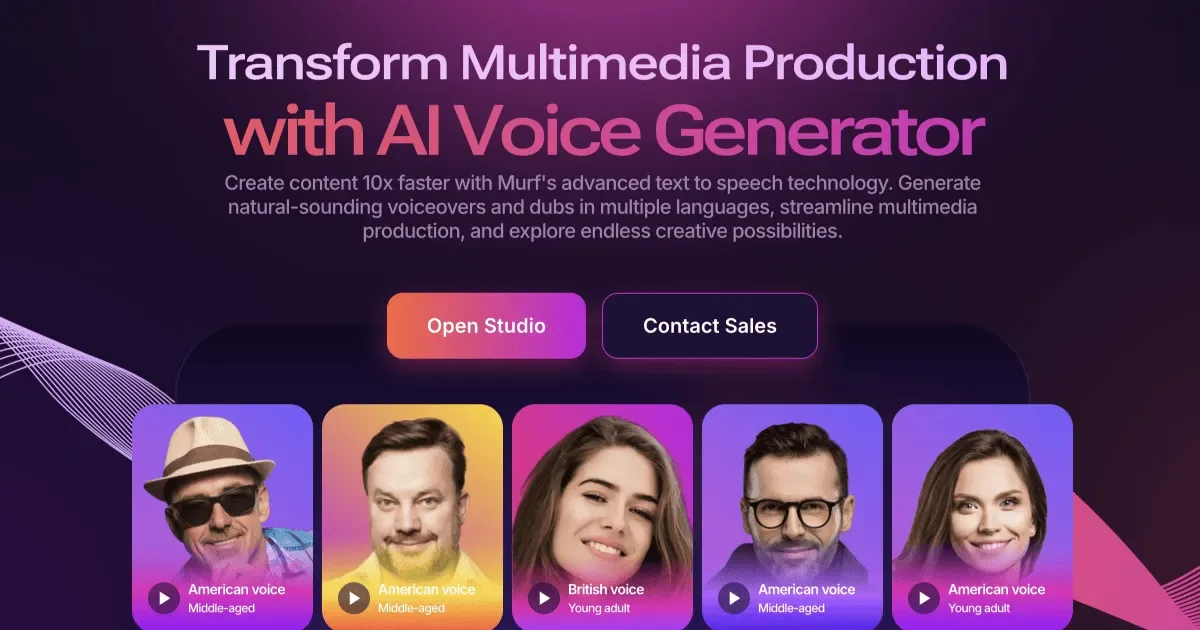
Murf’s core advantage isn’t the voice — it’s the studio environment around it. One tab covers a script editor, 200+ voice options, a timeline that syncs audio to video or slides, background music controls, and video export. For course creators building eLearning modules, or marketers producing weekly explainer content, that means finishing a piece inside a single session without bouncing between apps.
A realistic scenario: you’re building a 30-module online course. You write each script directly in Murf’s editor, generate the narration, set background music at 20% volume, sync everything to your slide deck frame by frame, and export individual MP4s. You finish a module in one session. On the annual Creator plan at $19/month, you get 24 hours of voice generation per year — roughly 120 minutes per month. For a creator releasing a few modules a week, that volume fits without hitting the ceiling.
Voice quality is professional and consistent. Strong enough for corporate training, explainer content, and LinkedIn-style short videos. It’s a step below ElevenLabs in raw realism — that gap is most noticeable in longer-form narration or emotionally varied scripts. For short explainers where pacing and clarity matter more than warmth, the difference is less relevant.
The limitations deserve a straight answer. Voice cloning is not available on any self-serve plan, at any price point. It requires an Enterprise contract with custom pricing. No workaround, no upgrade path, no individual creator option. For someone whose brand identity is built around their own voice, that’s a hard stop. The API is functional but engineered for moderate-volume asynchronous work — not the real-time, high-throughput workloads that production applications need. Non-English voice quality also lags behind English: pronunciation issues with technical vocabulary and proper nouns become noticeably more frequent on non-English scripts.
Free tier: 10 minutes of voice generation, no downloads, no commercial rights — tight for proper evaluation, but enough to test one real script. Paid plans from $19/month annually (Creator, at the time of writing). See current Murf AI pricing.
Pricing breakdown — what a minute of audio actually costs you

Plan sticker prices tell you little. Here’s what the math looks like per minute of finished audio, based on published plan data (at the time of writing — both tools update plans; confirm on their official pages before subscribing):
| Plan | Monthly cost | Audio/month (approx.) | Self-serve voice cloning? |
|---|---|---|---|
| ElevenLabs Starter | ~$5–6/mo | ~30 min | Instant clone only |
| ElevenLabs Creator | $22/mo | ~100 min | Yes — instant + professional |
| Murf Creator (annual) | $19/mo | ~120 min | No — Enterprise only |
| Murf Business (annual) | $66/mo | ~480 min | No — Enterprise only |
Per-minute math: ElevenLabs Starter runs about $0.18–0.20/minute. ElevenLabs Creator about $0.22/minute. Murf Creator annual lands around $0.16/minute, Murf Business annual around $0.14/minute. The per-minute costs are closer than the headline prices suggest. But the Murf numbers don’t include voice cloning, developer API access, or ElevenLabs-level voice realism — factors that have value beyond the raw per-minute figure.
A concrete check: a creator posting two videos per week, each needing five minutes of narration, generates about 40 minutes of audio monthly. Both the ElevenLabs Creator plan and Murf Creator annual cover that volume with room to spare. The decision splits on what happens after generation — whether ElevenLabs hands you a file and steps back, or Murf handles the rest inside the platform.
One credit quirk to flag for ElevenLabs users: the platform bills credits, not time. The headline figure of ~1,000 credits per minute is a best-case number using base models. Heavy use — regenerations, premium models, longer complex scripts — can push actual consumption 20–30% above what the plan summary implies. If you’re close to your monthly ceiling, that buffer matters.
For creators comparing voice tools more broadly, the best AI voice generators for YouTube creators in 2026 covers a wider field including options below and above these two in price. If your next question is about video production as a whole, the best AI video generators for YouTube creators in 2026 gives the full stack picture.
Frequently asked questions

Q. Can I use ElevenLabs or Murf AI audio in monetized YouTube videos?
Yes, on paid plans for both. ElevenLabs grants commercial rights from the Starter plan (~$5–6/month) upward; the free plan excludes commercial use and requires attribution. Murf AI includes commercial rights on the Creator plan ($19/month annual) and above; the free tier excludes downloads and commercial use entirely. Practical guidance: publish monetized content using audio generated under a paid plan’s commercial license, and verify the current terms on each tool’s official pricing page before a campaign — licensing language on AI tools changes more often than most people expect.
Q. Which tool is better for voice cloning?
ElevenLabs, by a wide margin for self-serve access. On the Creator plan at $22/month, you can clone your own voice from a short audio sample (instant clone) or build a broadcast-quality replica from 30+ minutes of recordings (professional clone). The professional version holds up across 32+ languages. Murf AI restricts voice cloning to Enterprise customers with custom pricing — no self-serve option, no published rate, and access requires a sales conversation. If cloning your own voice is part of your content strategy, ElevenLabs is currently the only realistic choice between these two tools.
Q. Do either of these tools work well for non-English content?
Both have documented limitations outside English. ElevenLabs supports 32+ languages; Spanish, French, and German perform well. For Korean, Japanese, and Mandarin, the output is usable but pronunciation issues with proper nouns, dates, and technical terms appear more frequently than in English. Murf AI has similar constraints, with non-English quality trailing its English output by a comparable margin. For either tool, test your actual script on the free tier before upgrading — demo samples and short test clips tend to overstate real-world non-English performance, especially on specialized or jargon-heavy content.
Which one to use — a clear pick by creator type

Choose ElevenLabs if your workflow is audio-first: you generate voice, export it, and edit elsewhere in tools you already use. It’s the right fit for YouTubers running faceless channels, podcasters, audiobook narrators, and developers integrating AI voice into a product. The voice realism is the highest at these price points, and self-serve cloning from $22/month — with no sales process — is an advantage that individual creators underrate until they actually need it.
Choose Murf AI if your production lives inside one platform and you don’t need to clone your own voice. Course creators, marketers making slide-based explainers, and small teams who want scripting, narration, music, and video sync in one workspace will find Murf’s all-in-one approach genuinely worth the trade-off in voice realism and the absence of self-serve cloning.
One scenario where neither fully delivers: you want your own cloned voice and a built-in video editor. ElevenLabs gives you the first, not the second. Murf gives you the second, but voice cloning is locked behind Enterprise pricing. That gap exists in 2026 and is worth knowing before you subscribe. If you need both, pairing ElevenLabs with a video tool like Descript, CapCut, or Adobe Premiere is currently more practical than waiting for one platform to bridge it.
Both free tiers cap you at about 10 minutes of output. That’s enough to test one real script — not the demo content. Generate two minutes of your actual narration on each, judge the audio in the context of your existing video, and commit to a single paid month before going annual. At under $25 for a Creator-tier month on either platform, the cost of getting it wrong is low.