You’ve seen the Speechify ads — “read” five times faster, 500 pages a week, clone your own voice. Now you’re looking at a $139/year decision and trying to figure out whether this is a listening app, an AI voiceover studio, or something in between. That confusion isn’t accidental. Speechify markets one brand but runs two entirely separate products — a reading app and a production suite — with different pricing and different audiences.
Direct answer: Speechify Premium ($139/year) is a content-consumption tool. It converts articles, PDFs, emails, and books into audio you can listen to while commuting, cooking, or exercising. Voice cloning and voiceover production — the features front-and-center in the ads — belong to Speechify Studio, a separate subscription starting at $19/user/month. If you consume large amounts of text daily and want a polished cross-device listening experience, the annual plan is worth serious consideration. If you’re here to produce AI voiceovers for YouTube or podcasts, ElevenLabs starts cheaper and outperforms Speechify on voice naturalness.
This review covers the Premium listening app in full, explains where Studio fits (and what it costs), and runs a cost-per-use calculation against your actual reading habits — so you can make the call before the three-day trial auto-converts.
Some links below are affiliate links. They don’t change what you pay, and tools are picked on merit — including where they fall short.
One brand, two products — the Speechify pricing map
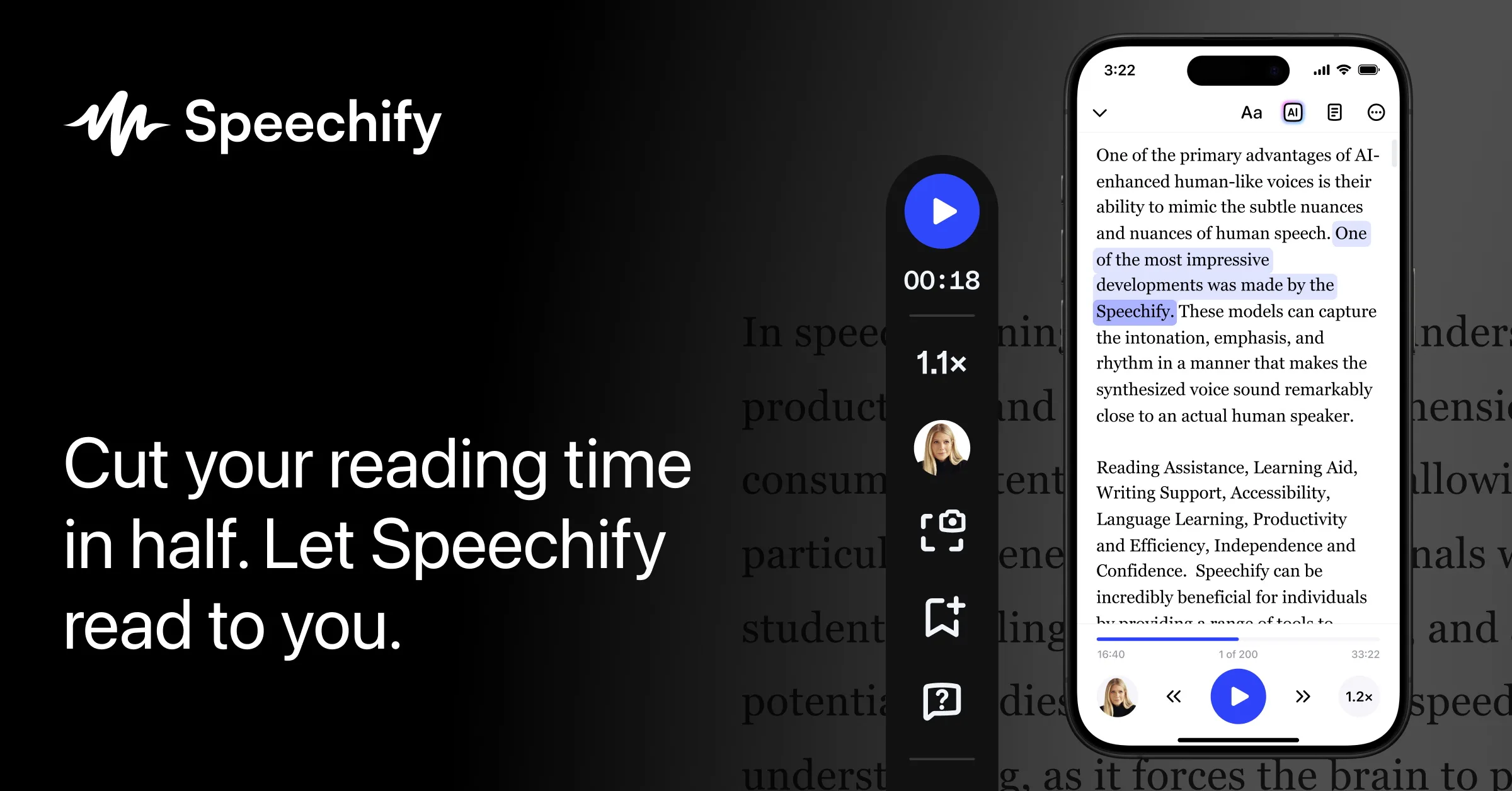
Most Speechify reviews blur the line between the listening app and Studio. Here’s what each plan actually includes, side by side.
| Plan | What you get | What’s missing | Price (at time of writing) |
|---|---|---|---|
| Free | 10 basic voices, up to 1.5× speed, 5-file storage | Natural voices, offline mode, multi-language | $0 |
| Premium (monthly) | 200+ voices, 60+ languages, 5× speed option, offline downloads, AI features | Voice cloning (Studio only) | $29/mo |
| Premium (annual) | Same as monthly Premium | Voice cloning (Studio only) | $139/yr (~$11.58/mo) |
| Studio Starter | AI voiceover production, voice cloning, 50 hrs/yr generation | Not a reading/listening app | $19/user/mo |
| Studio Creator | 100 hrs/yr + unlimited voice cloning | Not a reading/listening app | $49/user/mo |
One billing detail that trips people up: the three-day free trial unlocks Premium features but requires a payment method upfront. It automatically converts to an annual subscription unless you cancel before the trial ends. Set a calendar reminder for day two — not the last day.
If voice cloning is the specific reason you’re evaluating Speechify, check How to Clone Your Voice with AI (Free and Paid Options That Actually Work) before committing to Studio pricing. Several standalone tools offer cloning at lower cost with no platform lock-in.
What Speechify Premium actually delivers

The premium voices are genuinely natural at moderate speeds. Between 1.5× and 2.5× playback, the emotional variation and pacing of the top-tier voices are good enough that you stop tracking the artificiality within a few minutes. That’s the real threshold — you can actually retain information at those speeds, not just hear words.
Cross-device sync works without friction. Start an article on your laptop via the Chrome extension, continue it on your phone mid-commute. The iOS, Android, and desktop apps stay in sync consistently. For anyone managing a reading list across devices, this execution is tighter than most alternatives offer.
Input flexibility is genuinely wide. PDFs, web pages, Google Docs, emails, and pasted text all load cleanly. Physical books work via OCR — and Speechify’s OCR on scanned documents is one of its strongest technical points, with users consistently citing high accuracy even on imperfect scans. That’s a real differentiator for researchers and students working with older or low-quality source material.
For readers with ADHD or dyslexia, the combination of synchronized visual word-tracking and audio narration reduces cognitive load in a way that generic screen readers don’t. This is Speechify’s most consistently satisfied user segment, and the product genuinely earns that reputation.
Where it falls short

The 5× speed claim is a marketing number. Cognitive research places audio comprehension limits around 2.5×–3× for most people — at 5×, you’re registering phonemes, not processing meaning. Speechify works well at 1.5×–2.5×, and that’s fast enough to be genuinely useful. But the headline number sets an expectation the product can’t meet, and it’s worth knowing before you start playing with sliders.
No word-level control. Speed and voice selection are global settings. You can’t add emphasis to a specific phrase, insert a deliberate pause mid-sentence, or shift emotion for one particular paragraph. For passive listening, that’s irrelevant. For producing a narration you plan to publish — a video, a course module, a podcast — it’s a hard stop.
Voice cloning is not included in the $139/year plan. It’s exclusive to Speechify Studio, starting at $19/user/month. Speechify’s homepage leads with cloning demos; the Premium subscription page doesn’t make this separation obvious. Expect a frustrating discovery moment if you subscribe expecting cloning to be included.
Language quality is uneven across the 60+ supported languages. English voices are best in class. Voices for less-resourced languages drop noticeably in naturalness. If your content is primarily in Korean, German, or another non-English language, test your specific language on the free trial. Don’t assume the quality translates. The Best AI Voice Generators for YouTube Creators in 2026 roundup covers per-language performance comparisons if you need a fuller picture.
The cost-per-use test — the question most reviews skip

$139/year is $0.38/day.
Frame it that way and the math changes. If you spend 30 or more minutes daily working through research papers, newsletters, long reads, or documentation — during a commute, at the gym, or while cooking — $0.38/day is cheap for what you’re getting. Compare it to Audible at roughly $14.95/month for a single audiobook credit with no unlimited listening. For high-volume readers, Speechify’s model wins on a per-hour-of-content basis.
Now flip the scenario. If you use it twice a week, you’re paying about $1.34 per session. At that frequency, the free tier of a simpler TTS tool or your phone’s built-in accessibility reader handles most of the use case without an annual commitment. There’s no correct answer here — just an honest one.
The practical filter: track how many hours of text-based content you consume per week. Under five hours? Start with a free alternative. Over five hours and spread across multiple devices? Run the trial seriously. If it fits your actual commute and reading habits by day two, the annual plan is significantly cheaper than monthly. For free tools worth testing first, Best Free AI Voice Generators That Sound Natural in 2026 covers several options that handle listening-app use cases at no cost.
Speechify vs. the closest alternatives
Speechify Premium, ElevenLabs, and NaturalReader are frequently compared — but they solve different problems. Here’s where each wins.
| Tool | Best for | Watch out for | Starting price (at time of writing) |
|---|---|---|---|
| Speechify Premium | Daily listening across multiple devices; accessibility use cases | Voice cloning costs extra (Studio); non-English quality varies | $139/yr |
| ElevenLabs | Producing high-quality voiceovers, video narration, podcast intros | No cross-device reading app; free tier runs out fast on longer scripts | Free tier; Starter from $5/mo |
| NaturalReader | Budget-conscious listeners who don’t need all-device sync | Fewer premium voices; mobile experience less polished than Speechify | Free tier available; see official page for premium pricing |
ElevenLabs scores roughly 12% higher than Speechify on voice naturalness in independent evaluations. For producing audio you publish — a narrated YouTube video, a course module, a branded podcast — that gap is audible and it matters. For listening to your own reading list, the comparison is irrelevant because ElevenLabs has no reading app equivalent.
The practical split: Speechify is a consumption tool. ElevenLabs is a production tool. Most content creators eventually want both, but they’re separate budgets.
Frequently asked questions

Q. Does Speechify Premium include voice cloning?
No — voice cloning is exclusive to Speechify Studio, a separate product starting at $19/user/month (at the time of writing). The $139/year Premium plan gives you access to 200+ pre-built voices, but you cannot create or use a cloned voice under it.
Q. Can I use Speechify audio commercially — for YouTube videos or paid courses?
It depends on the plan and the specific content type. Free plan audio is generally limited to personal use. For monetized content, the safest approach is to produce audio under a paid Studio plan that explicitly includes a commercial license, and to verify the current terms on Speechify’s licensing page before publishing — plan terms have changed before and can change again.
Q. Does Speechify work offline?
Yes, but only on Premium. Free users need an active internet connection. Premium subscribers can download content for offline listening on mobile — one of the stronger practical arguments for upgrading from the free tier if you commute or travel frequently.
Who should buy Speechify in 2026 — and who should skip it

Buy the annual Premium plan if you consume significant amounts of text daily — research papers, newsletters, long articles, documentation — and want a reliable, natural-sounding listening experience across your phone, browser, and desktop. At $0.38/day for daily users, it competes well against alternatives. The annual plan at $139/year is the only version worth buying; monthly at $29/month is hard to justify unless you’re in an extended testing phase.
Skip it if your reading load is light, your target language isn’t English, or you primarily need to produce audio. The production use case belongs to a different product category entirely — ElevenLabs for narration and voiceovers, Murf if you need per-word emotional control.
The simplest test: sign up for the trial, load your actual reading list, and use it for two full days at 1.5×–2× speed during your real routine. If it fits, cancel nothing and let the annual plan activate. If it doesn’t click by day two, cancel before day three. The product earns its price for the right use case — and the right use case is specific enough that two days of real usage will tell you everything.